

Summary
Track installs with three things: App Store Connect, a link per account, and installs by day next to your posts. Many people install without tapping a link, so no one tool sees them all.
| Way | Who it counts | Effort |
|---|---|---|
| App Store Connect sources | everyone, by source, not by post | none, it's already on |
| A campaign link per account | people who tap | 2 minutes |
| A custom product page per account | people who tap, on their own store page | design a page, Apple reviews it |
| UTM and link-in-bio tools | taps (installs on Android only) | a few minutes |
| AppsFlyer, Adjust, Branch | taps; on iOS, AppsFlyer and Adjust match them to installs by a best guess | add their SDK to your app |
| A promo code per creator | people who type it | a few minutes |
| "Where did you hear about us?" | people who answer | one screen in your app |
| Installs by day next to posts | everyone, day by day | a sheet, or a tool |
1. Why links miss many viewers
A viewer who searches instead of tapping leaves no trail back to the video. Creator-marketing guides warn about it: viewers search for the app instead of clicking the link.
Many viewers
A few
What each app shows about link taps:
- TikTok lets you add a bio link at 1,000 followers or with a verified business account. A creator account's Overview shows post views and profile views, not taps on that link.
- Instagram counts taps on Story links and on your bio link. Reels get no link count.
- YouTube Shorts cannot carry a clickable link in the description or comments. The related video can only point to another of your YouTube videos.
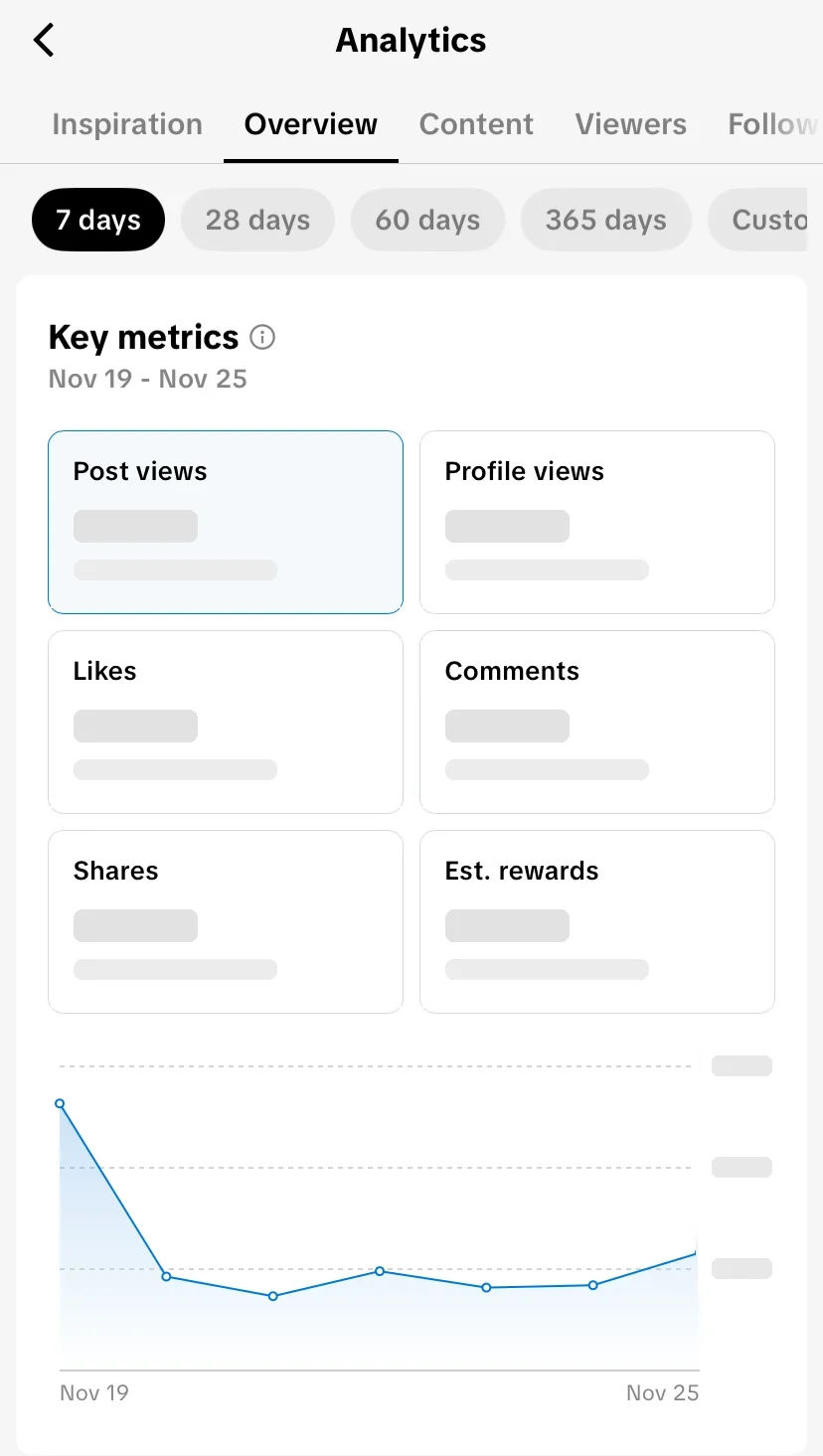
So start where every install shows up: App Store Connect.
2. What App Store Connect already shows
Open App Store Connect › Apps › your app › Analytics › Acquisition › Sources. Every page view and first-time download is filed under one source:
| Source | What it means |
|---|---|
| App Store Search | they searched the App Store, ads in search included |
| App Store Browse | they browsed: Today, charts, categories |
| App Referrer | they tapped a link inside an app or in a browser other than Safari. Taps inside TikTok and Instagram most likely land here |
| Web Referrer | they tapped a link on a website opened in Safari |
| App Clip | they came from your App Clip |
| Institutional Purchase | bought in bulk by a school or company |
| Unavailable | promo code, gift card, managed device |
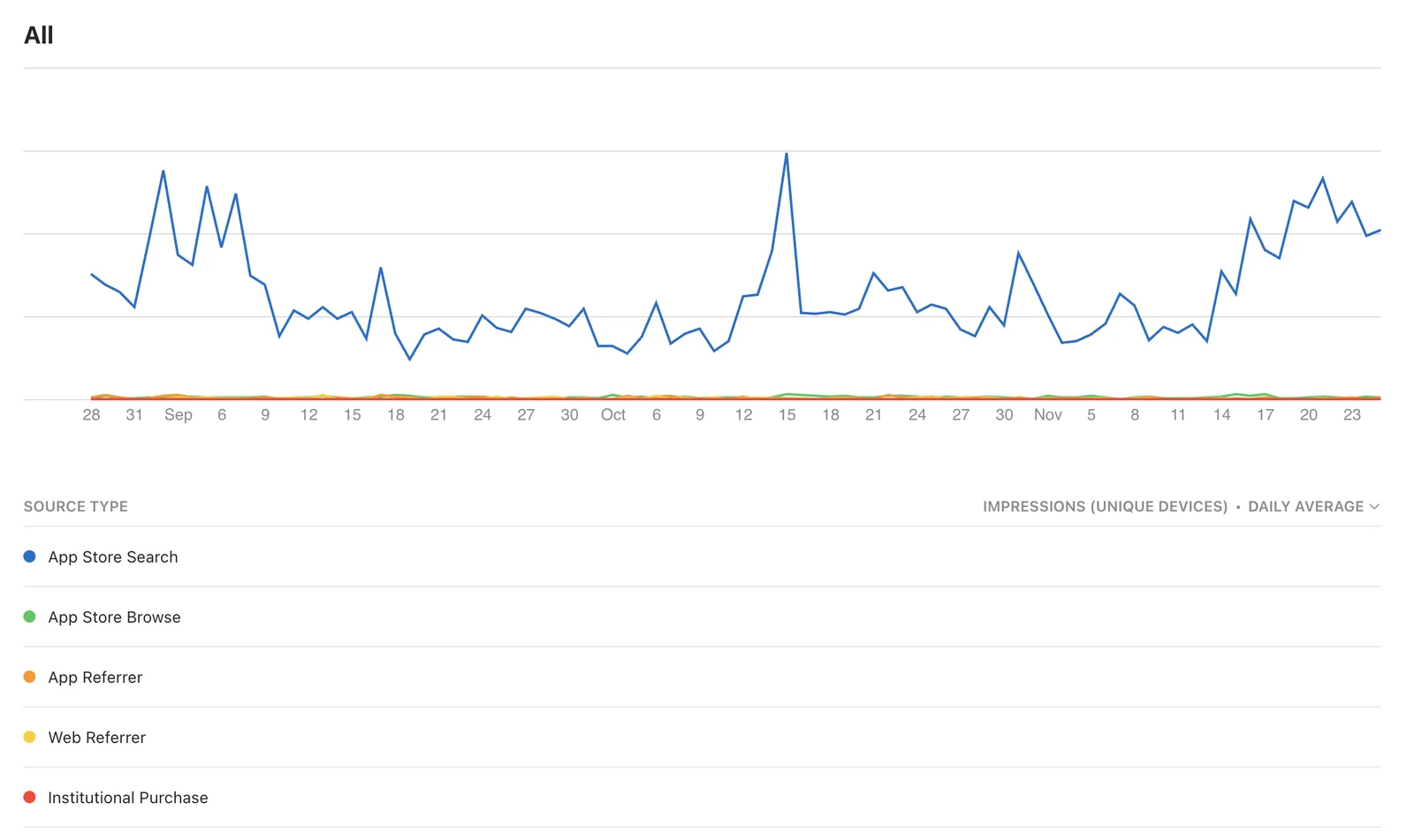
The line to watch is App Store Search. When it jumps on the day a post takes off, that can be the post's viewers looking for you.
Usage data, like sessions and retention, comes only from people who agreed to share it. Apple hides any number under 5.
Sources tell you that something worked, not which account. For the people who tap, you can get the name. That is what campaign links are for.
3. A campaign link in every bio
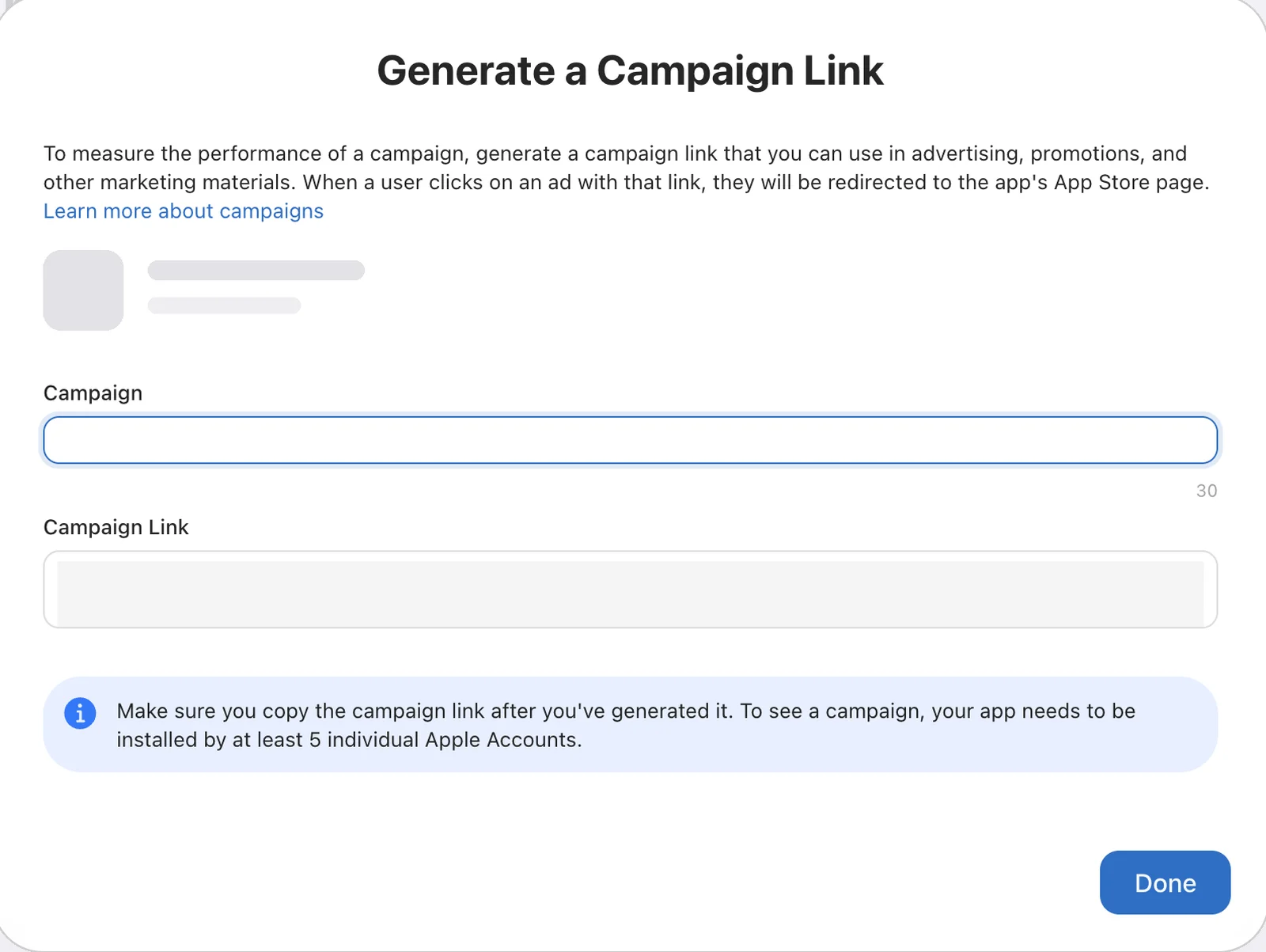
It takes two minutes, and App Store Connect makes the link for you:
- Go to Analytics › Acquisition › Campaigns.
- Click + next to Campaigns.
- Type a name, up to 30 characters, one per account:
tt_main,ig_main. - Copy the link and put it in that account's bio and Story link stickers.
https://apps.apple.com/app/apple-store/1id1234567892?pt=1234563&ct=tt_main4&mt=8
- 1Your app’s ID
- 2Provider token: App Store Connect fills it in
- 3Your campaign name, up to 30 characters
- 4Leave as is
How Apple counts it:
- An install counts if it happens within 24 hours of the tap.
- The last link tapped gets it.
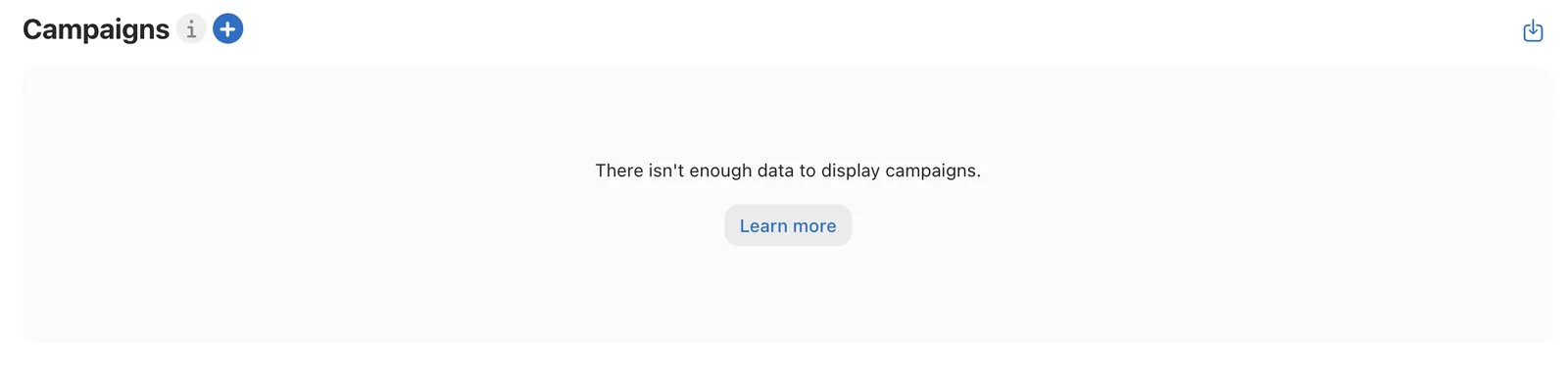
- A campaign shows after 24 hours, and only once 5 people installed through it.
A campaign link sends everyone to the same store page. To send each account to its own page, and see that page's numbers, use custom product pages.
4. A store page per account
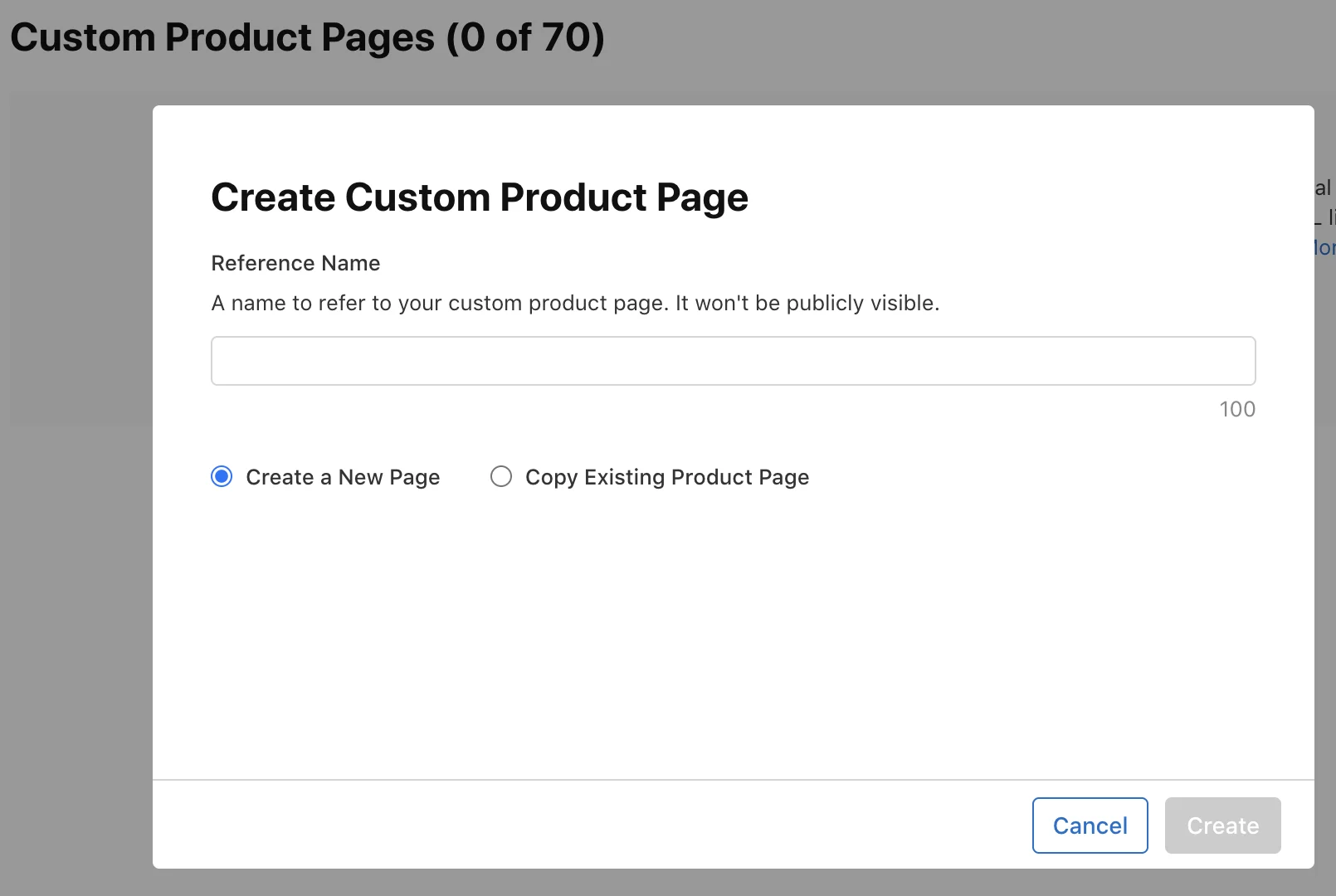
A custom product page is a copy of your App Store page with its own screenshots, text and link. You can make up to 70 per app.
- Make one per account or per format, with screenshots that look like that account's videos.
- Put its link in that account's bio.
- App Store Connect shows each page's views, downloads and conversion rate, once a page has 5 downloads.
Apple reviews every page before it goes live, so it takes longer than a campaign link. Apple names social media promotions as a use; a bio link fits that, though Apple does not name it.
Both of these are Apple's. Outside Apple, there are two more ways to count taps.
5. UTM links, and why Android is different
- Short links with UTM tags count taps per post.
- On iOS the tags stop at the App Store. You see taps, not installs.
- On Android, Google Play passes the link's
referrerto your app through the Install Referrer API. There a link per post can be matched to each install. - Play Console also shows UTM source and campaign, but only with the traffic source filtered to ads and referrals. Since July 2026 those store listing reports count clicks, not installs.
- A landing page or a QR code between the post and the store is one more link: it counts visits, and the App Store still hides the install.
So on iOS a UTM link tells you which post gets taps. Tracking tools try to match those taps to installs.
6. AppsFlyer, Adjust and Branch
These give you tracking links plus an SDK inside your app.
On iOS, for your own links, AppsFlyer and Adjust match a tap to an install by a model, not by a name. AppsFlyer's docs give that match up to 24 hours; after that, the install counts as organic.
RevenueCat does not find the source itself. It stores what a tracking tool or your app sends it, so you can see revenue per source.
You will also see SKAdNetwork, AdAttributionKit and Apple's AdServices. They tell an ad network which ad led to an install, with a signal signed by Apple. All three need an ad. They do not see posts you make yourself.
Everything so far counts only people who tap. Two cheap ways reach the rest.
7. Promo codes and one sign-up question
- A code per creator, or a referral code per user. Easy to read. Codes spread past the audience, and only people who type one count.
- "Where did you hear about us?" with TikTok, Instagram, YouTube, a friend, other. People answer from memory, and RevenueCat notes the answers lean towards names people already know.
Both tell you the platform. Neither tells you the post. For that, put installs and posts side by side.
8. Installs by day next to your posts
Sources count everyone, but not by post. This puts everyone next to your posts, tappers or not. Draw installs a day as one line, and mark the days you posted. Then:
- Find your usual day. Compare with the same weekday in the weeks before.
- Mark the days above it.
- Look at the posts from that day and up to three days before. People search later, not always right away.
- Leave out paid boosts. Views from a promoted post are ads, not organic.
- Check the country. A jump in the US after a post whose viewers are mostly in the US is a match. A jump elsewhere is not.
- Several accounts posted that day? They share it.
- Look for repeats. One jump can be luck. The same format jumping again is the signal. Post more of it.
Installs a day
It shows which posts came before installs, not proof that a post caused them. That is why a repeat matters more than one big day. And it works best on big posts: Airbridge's handbook says a jump stands out mainly after very big videos.
Two ways to make it firmer:
- Pause a format for a week. If the usual day drops, the format was bringing people.
- Count revenue, not only installs. A format that brings fewer installs but more paying people wins.
By hand it is a spreadsheet:
- Installs a day: App Store Connect, or new customers in RevenueCat.
- Views: TikTok Analytics › Overview on each account, "Post views".
HookTrack does it for you. It tracks your TikTok, Instagram and YouTube accounts and puts your installs next to your posts, day by day. Installs come from App Store Connect (first-time downloads) or from RevenueCat, Superwall or Adapty (new people).
9. What to use
| You are | Start with | Add |
|---|---|---|
| Solo founder, 1 to 5 accounts | a campaign link in each bio | installs by day next to posts |
| A team on many accounts | a campaign link in each bio, installs by day per account | a store page per account, the sign-up question |
| Running paid ads | a tracking tool, Apple's ad attribution | everything above for your organic posts |
Today: a campaign link in each bio. Two minutes, and they count from the first tap; a campaign shows once 5 people installed through it. This week: installs by day next to your posts.
Questions and answers
Can I see exactly which video brought an install?
Only for people who tapped a link from that video. For people who watched and then searched the App Store, no tool can. Installs by day next to your posts shows which posts came before them.
Does a TikTok bio link count as Web Referrer?
Most likely as App Referrer. Apple files taps in apps, and in browsers other than Safari, under App Referrer; it does not name TikTok. Web Referrer is for links opened in Safari.
Do UTM links work on iOS?
They count taps. The tags do not pass through the App Store, so they never reach the install. On Android, Google Play keeps them.
Can a Reel or a YouTube Short carry a link?
A YouTube Short cannot carry a clickable link; its related video can only point to another of your YouTube videos. Instagram counts taps on Story links and your bio link, not on Reels.
Do I need AppsFlyer, Adjust or Branch for organic posts?
Not to start. For organic posts they count people who tap your link, as a free campaign link does. On iOS, AppsFlyer and Adjust match the tap to an install by a model (AppsFlyer gives it up to 24 hours).
Sources
Read on November 25 to 27, 2026:
- Acquisition sources, App Store Connect Help
- Campaign links, App Store Connect Help
- Custom product pages, Apple Developer
- Custom product page metrics, App Store Connect Help
- App Analytics, Apple Developer
- Media insights, Instagram Platform
- Links in Shorts, YouTube Help
- Shorts related video, YouTube Help
- Play Install Referrer, Android Developers
- Store listing acquisition, Play Console Help
- Attribution, AppsFlyer
- Attribution integrations, RevenueCat
- "How did you hear about us" surveys, RevenueCat blog
- Profile links, TikTok Help
- Set up tracking before anything goes live, Airbridge UGC Handbook
- AdAttributionKit, Apple Developer